Minutes 0–5: freeze one approved price record
Start with one compact change record: item name, old price, new price, location group, channel, daypart, effective time, tax treatment, modifier rules, approver, publisher, and rollback owner. Do not use the artwork file as the price source.
If different stores use different price tiers, list them explicitly. A useful operating model is the same one behind multi-location performance visibility : shared definitions, local accountability, and an auditable exception path.
A complementary portfolio perspective is available in the POS Digital Display endpoint review.
Minutes 5–10: compare the five guest-facing surfaces
Check the physical board, counter POS, kiosk, direct-ordering page, and staff reference. Mark each pass, fail, or not applicable. The item name, price, availability window, and modifier rule should agree everywhere a guest can make or confirm a choice.
Use the following resource when assigning escalation and recovery ownership: ServingIntel support resources.
Treat integrations as part of the review. ServingIntel software guidance helps frame the ownership questions, while hardware planning helps teams include players, displays, networks, and the service path in the same operational picture.
For additional independent reference material, review USDA Food Price Outlook.
Minutes 10–15: publish, then inspect the real screen
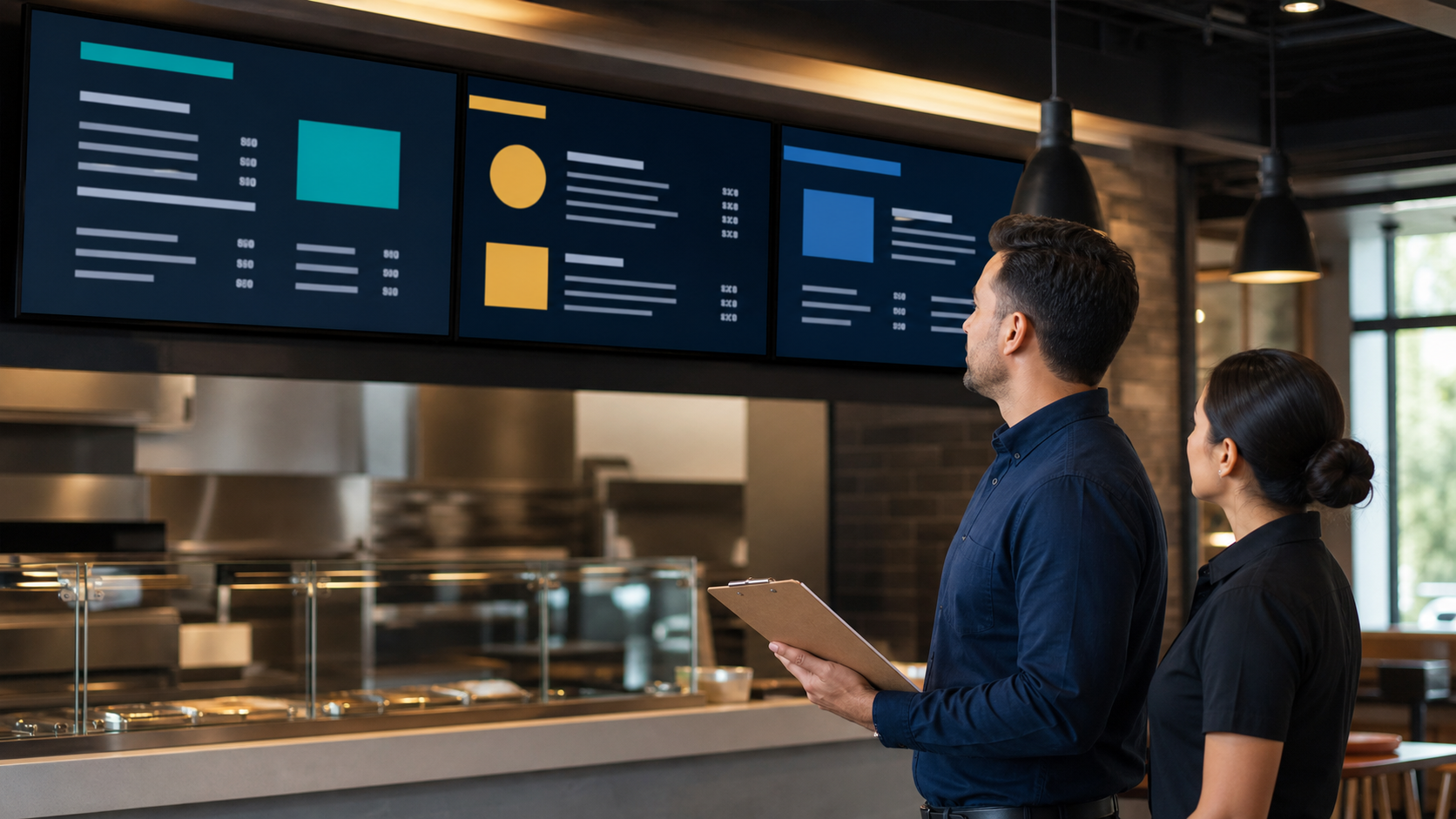
A successful upload is not proof of a successful display. Inspect a representative screen from normal guest distance. Confirm the correct location, legibility, daypart, price, conditions, and image crop. Then place a test order without collecting or recording guest data.
Record who performed the physical check and when. If a location cannot be inspected, hold that location or use a documented remote verification method with a named owner.
For another practical workflow in the portfolio, read the POS Websites integration questions.
Minutes 15–20: prove that rollback works
Prepare an approved fallback before launch: the previous menu, a core-menu state, or a neutral unavailable-item layout. Confirm who can trigger it, how quickly screens refresh, and how ordering channels will be reconciled.
For additional restaurant and senior-living technology context, consult ServingIntel News & Insights.
Route unresolved issues through a defined support and escalation model . After the first service period, review overrides, guest questions, sold-out events, and locations that needed a rollback.
For a final neutral reference point, consult FDA menu-labeling requirements.
What the drill should leave behind
- One approved price record with an effective time
- A five-surface pass/fail checklist
- Proof that a physical screen was inspected
- A named rollback owner and tested fallback
- A short post-service exception log
Repeat the same drill for price increases, discounts, limited-time offers, daypart changes, and item removals. Teams can use ServingIntel News & Insights to keep the control routine connected to broader dining technology developments without turning the screen into an experiment during service.