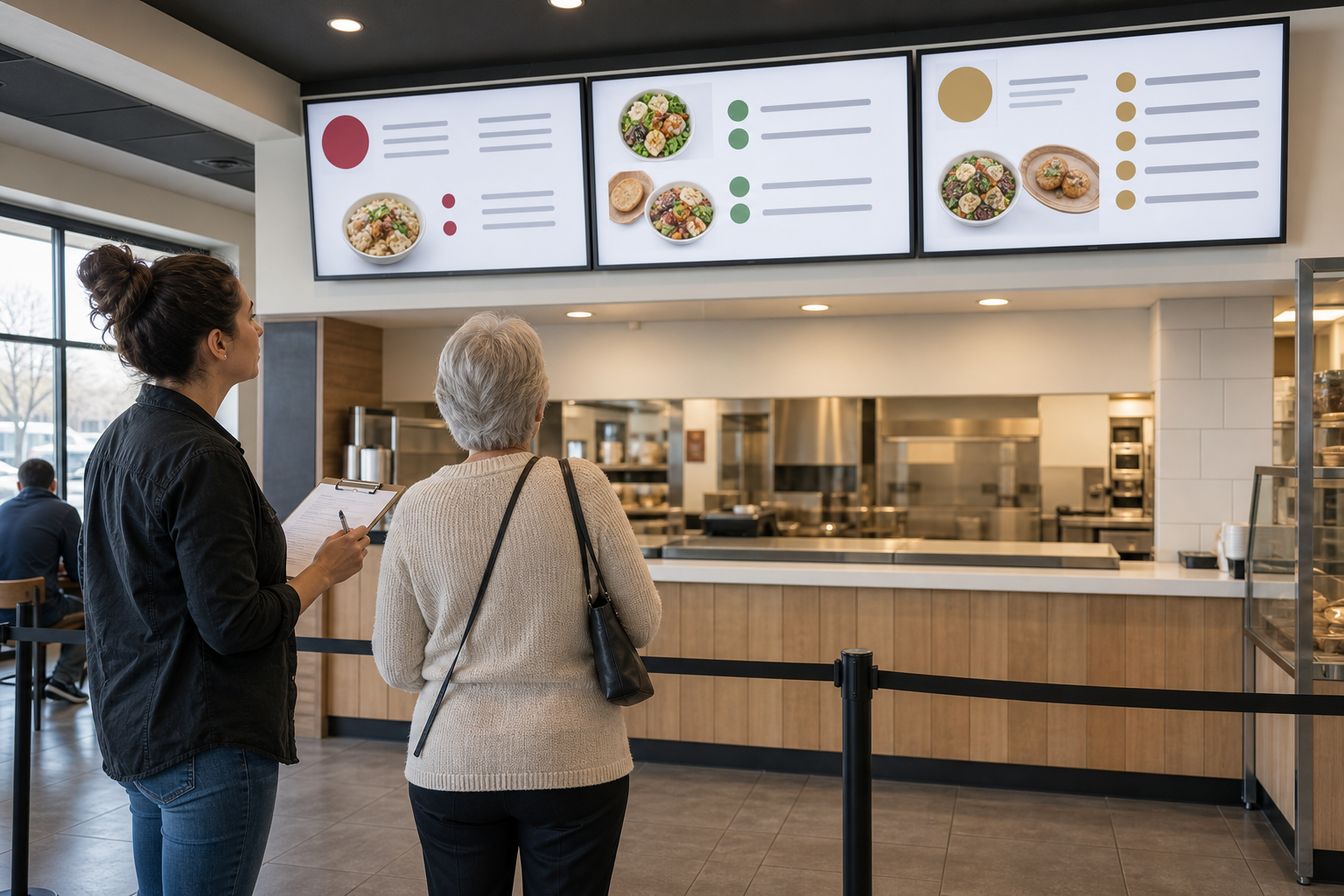
Start where the guest starts
Stand at the entrance, the back of the usual queue, the decision point, and the accessible ordering position. Start a 90-second timer. Ask a reviewer who did not design the board to find one category, compare two choices, identify the price, and locate an unavailable item.
Record distance, angle, glare, crowding, competing motion, and screen height. Map the physical endpoints with ServingIntel hardware planning.
Score the essential information
- Category labels are visible before item details.
- Type and contrast survive the real viewing distance.
- Price and required modifier costs are unambiguous.
- Availability does not rely on color alone.
- Motion does not hide the information needed to order.
- An approved alternative exists when the board is not usable.
Continue with the POS Digital Display accessibility walkthrough and compare the result with the POS Websites mobile menu check. Guests should not receive a clearer menu on one channel and a confusing one on another.
Test the fallback too
Repeat the exercise with the offline image, emergency playlist, sold-out state, and local override. A fallback that removes category structure, enlarges promotional content, or hides required price information has not preserved the guest task.
Keep current operational context near the content review through ServingIntel News & Insights.
Close with an owner and retest
- Describe the barrier in plain language.
- Name the screen, viewing position, and content version.
- Assign a content or hardware owner.
- Retest from the same position after the correction.
- Store the evidence and next review date.
Escalate endpoints that cannot present the approved experience through ServingIntel support resources.
The bottom line: a menu board passes only when a real guest can find, understand, and act on the essential information under real queue conditions.