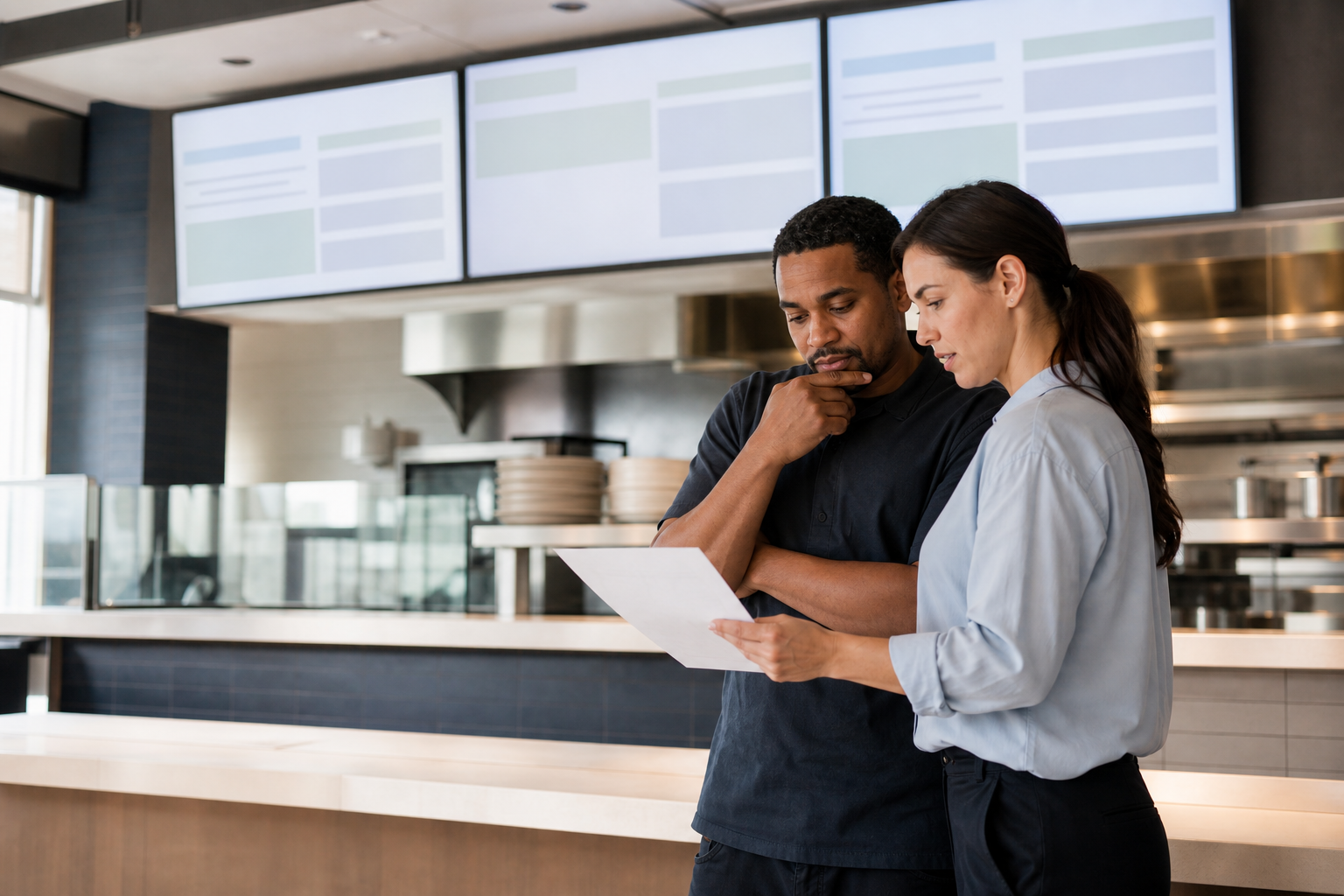
Freeze the scope before editing
Record the product, date or lot range, supplier, affected items, locations, channels, effective time, and source notice. One incident owner should authorize the hold; a separate content owner should translate it into an approved menu state.
Never improvise a substitution on the screen. Confirm the replacement, price, allergen and dietary implications, availability, and staff script through the operation's authorized process. Keep endpoint ownership visible through ServingIntel hardware planning.
Publish once, then verify every endpoint
- Pause the affected item in the authoritative menu record.
- Publish the approved hold or unavailable state.
- Check every physical screen and rotation.
- Compare the POS, kiosk, online menu, and staff instruction.
- Activate the documented fallback for stale or offline endpoints.
- Timestamp evidence and unresolved exceptions.
Use the POS Digital Display accessibility walkthrough to keep emergency states readable, and the POS University recall drill when the item affects senior-living dining workflows.
Control the return to service
A fresh source record and named authorization should be required before restoration. Republish the known-good menu, inspect every endpoint, complete a test transaction, and preserve the final incident record. Escalate failed endpoints through ServingIntel support resources.
Use a short completion checklist
- Source notice and affected scope recorded.
- Approved hold copy and fallback prepared.
- Every screen, channel, and rotation checked.
- POS price and availability match the display.
- Restoration authority, evidence, and closeout retained.
Keep current operations context close through ServingIntel News & Insights.
The bottom line: a menu-board hold is complete only when the affected item is absent everywhere guests can see or order it, the fallback is verified, and restoration is controlled.