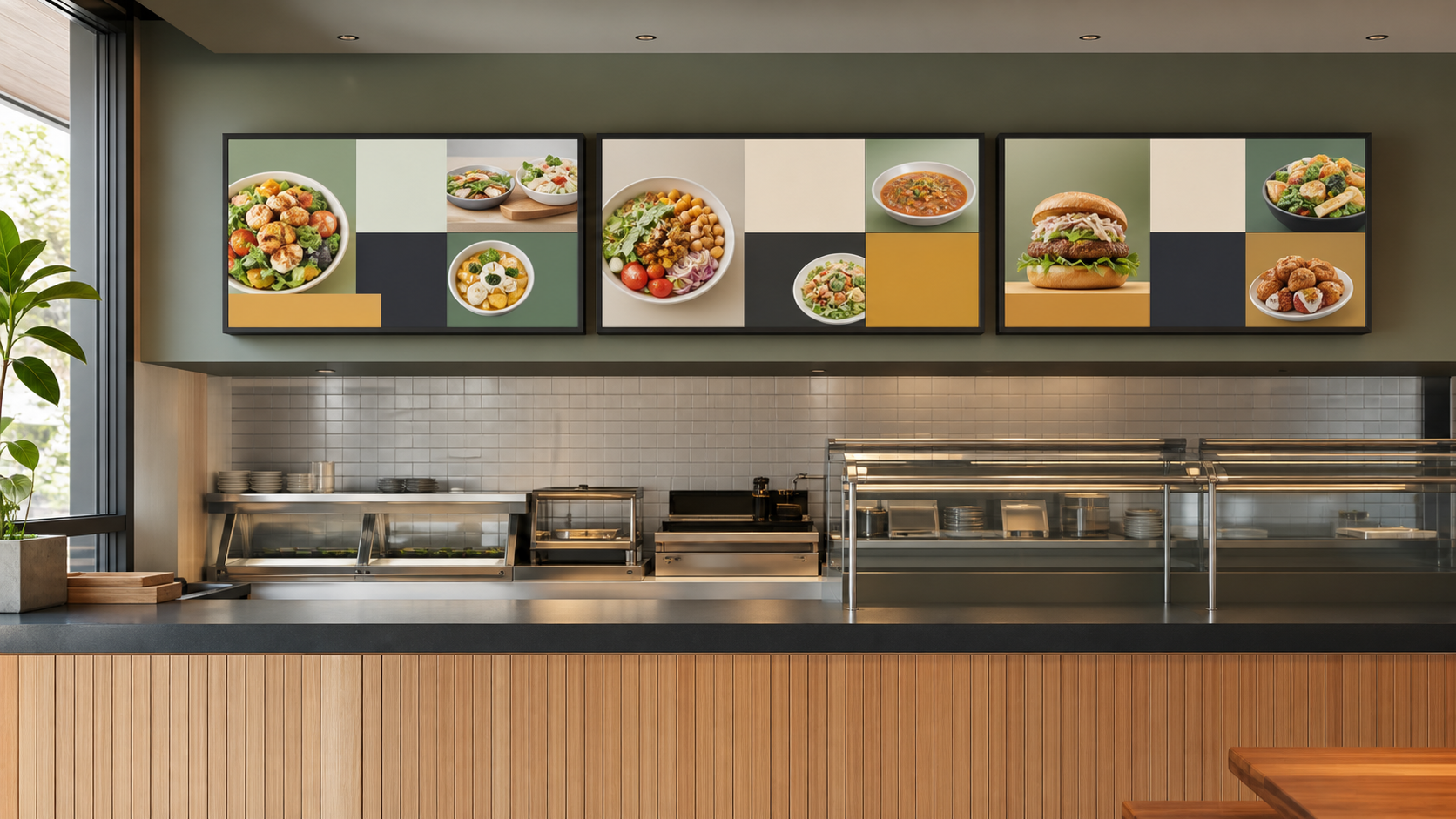
Start with a launch packet, not a screen design
Before a menu-board tile is built, create one launch packet that holds the approved item name, description, dates, locations, prices, modifiers, availability rule, images, required disclosures, and named approvers. The packet should be short enough to review in a few minutes.
Its purpose is to prevent the same basic facts from being interpreted separately by marketing, operations, the POS team, and the person scheduling the board.
Related infrastructure planning is available in ServingIntel POS hardware guidance.
Keep the source of truth separate from the layout
The screen is a presentation layer. It should not become the only place where the team can find the approved price, dates, or availability rule. Store those facts in a controlled source that can also support the POS, kiosk, app, and staff instructions.
That separation makes fast corrections safer. If a location receives a different price or cannot support a modifier, the team can change the approved record and regenerate the affected display state instead of editing an image with no audit trail. Teams comparing menu-board work with adjacent dining technology can use ServingIntel News & Insights as clearly labeled background reading while keeping the approved restaurant launch packet as the operating source of truth.
Reserve an LTO zone without sacrificing the core menu
A fast-moving offer needs a visible home, but it should not make the rest of the board harder to use. Reserve one flexible zone that can hold a single LTO message while the core categories, prices, and ordering path stay stable.
A complementary portfolio perspective is available in the POS Digital Display endpoint review.
The LTO zone should answer three questions quickly:
- What is the item?
- What does it cost here?
- What should the guest do next?
If the offer requires a paragraph, a sequence of animations, or several separate disclaimers to make sense, it may be too complicated for the primary decision screen. Move supporting detail to the ordering channel where a guest can pause.
Use the following resource when assigning escalation and recovery ownership: ServingIntel support resources.
Build three screen states before launch
Scheduled
The creative is approved and assigned to the right locations, but it is not yet visible. The scheduled state should expose the start time, time zone, screen group, and approver so the team can catch a deployment mistake before service.
Live
The item, price, image, and ordering path are active together. A live state is not confirmed by a publishing dashboard alone; someone must look at the physical screen and place a test order through the intended path.
Paused or ended
The LTO can be removed without leaving an empty panel, an expired price, or a promotion that staff cannot fulfill. Prepare a neutral fallback tile or let the core menu expand into the reserved space. The rollback should take minutes, not require a new design request.
For additional independent reference material, review USDA Food Price Outlook.
Run a five-surface consistency check
- POS: item button, price, tax behavior, modifiers, and availability.
- Menu board: name, price, image, location assignment, and start time.
- Kiosk or online ordering: searchability, description, modifiers, and sold-out behavior.
- Staff instructions: pronunciation, build, substitutions, and guest questions.
- Promotion channel: dates, participating locations, and the ordering path being promised.
It is better to compare a short list for every launch than to maintain an elaborate checklist that busy teams stop using.
Give a viral request an operational answer
Social attention can create demand for a customization that is not a formal item. The menu-board response should begin with operations, not with a clever phrase. Ask whether the POS can price the requested build, whether the kitchen can produce it consistently, and whether the ingredients are available at the locations where the message would appear.
For another practical workflow in the portfolio, read the POS Websites integration questions.
If the answer is no, do not imply that the item is universally available. Give staff a short, approved response and keep the board on supported choices. If the answer is yes, turn the customization into a controlled item or modifier before promoting it.
Verify at 15 minutes and after one service period
Within the first 15 minutes of the scheduled start, a named owner should check a representative physical screen, confirm the POS price, and complete a test order. Record a screenshot or photo for the launch log without capturing guest information.
After one meal period, check for repeated questions, unavailable-item requests, slow modifier explanations, and locations that used the rollback. Those observations show where the board and the operation disagree.
For additional restaurant and senior-living technology context, consult ServingIntel News & Insights.
Use a compact launch scorecard
- Minutes from approved packet to scheduled board state
- Locations with a price or availability mismatch
- Guest questions that reveal unclear wording
- Minutes required to pause the offer everywhere affected
- Checked locations that pass the first screen review
- Corrections needed after the first service period
Do not turn the scorecard into a contest for the shortest publishing time. A launch that goes live quickly and then creates mismatches is slower in practice than one that spends a few more minutes on verification.
A practical preflight checklist
- The item exists in the POS at every participating location.
- The displayed price matches the ordering price.
- Start and end times use the correct local time zone.
- Every guest and staff surface uses the approved name.
- The screen stays readable at the decision distance.
- The LTO zone preserves core ordering information.
- The sold-out and ended states are approved.
- A named person can pause the affected locations.
- A physical-screen check and test order are scheduled.
- The first service-period review has an owner.
Fast menu changes do not require loose controls. They require smaller, clearer controls that can move with the offer. A reusable packet, a reserved screen zone, three prepared states, and two real-world checks give restaurant teams a practical way to respond to timely demand without making guests or staff absorb the risk.
For a final neutral reference point, consult FDA menu-labeling requirements.