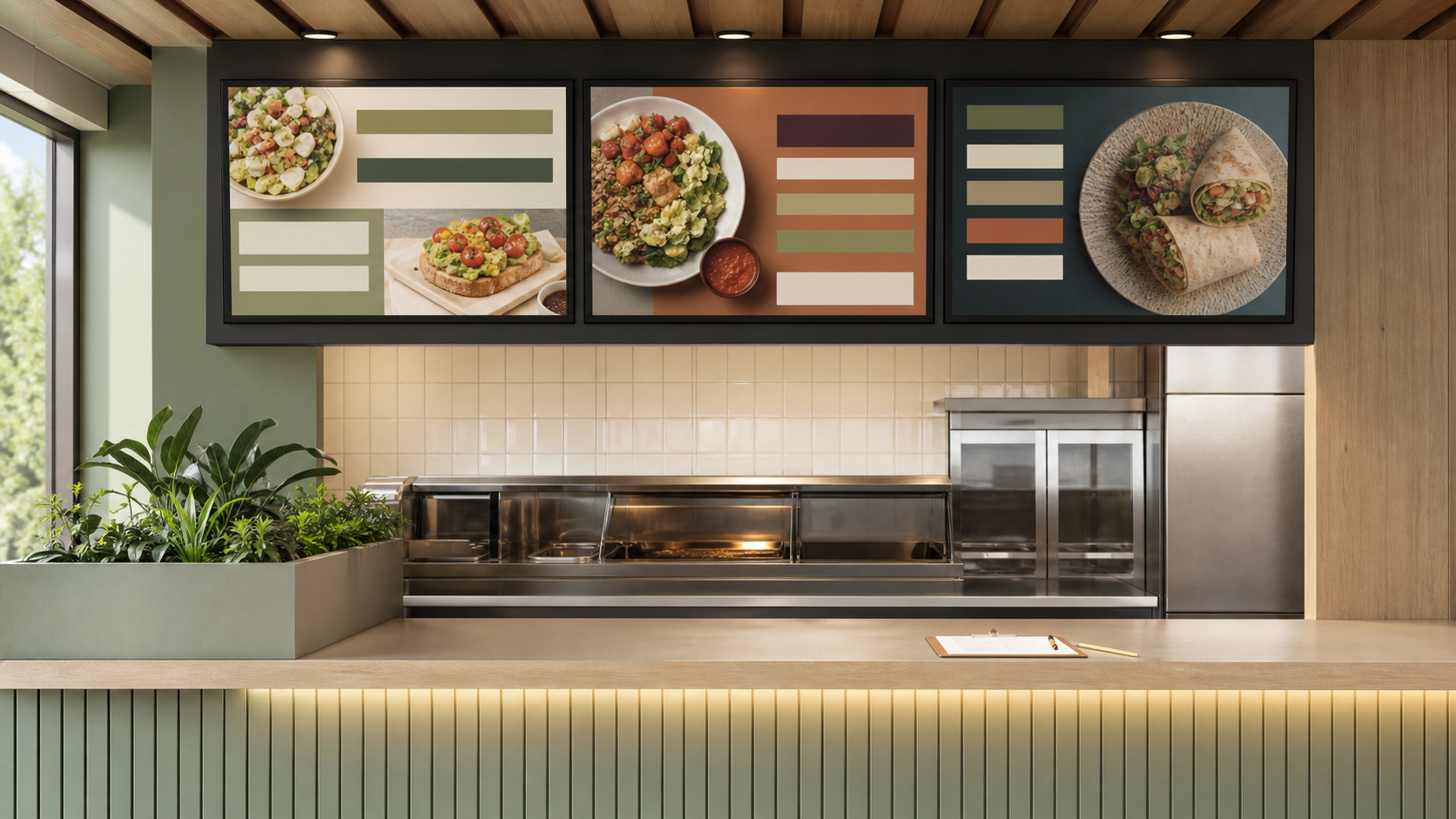
1. What should a guest understand in three seconds?
A value panel should make one promise at a time. The guest should quickly understand whether the board presents a fixed-price list, a bundled meal, a starting price, a limited-time offer, or a set of choices that can be combined.
For neutral background and operating context, see National Restaurant Association menu-price research.
Avoid combining several value mechanics in one small zone. A guest should not need to calculate a discount, decode a purchase condition, and compare three bundle structures while the line moves.
Write the promise before designing the tile. Test it with someone who did not help build the promotion. Ask what is included, what it costs, and whether a condition applies. If the answer changes from person to person, the board is not ready.
2. Is the displayed price valid here and in this channel?
The price on the physical menu board needs to match the price a guest can actually pay at that location. Value offers create several common mismatch points:
Related infrastructure planning is available in ServingIntel POS hardware guidance.
- Participating and excluded stores
- Local price tiers
- Dine-in, drive-thru, delivery, or app-only pricing
- Tax treatment
- Modifier charges
- A starting price that looks like a fixed price
Build a short price matrix before launch. Each row should name a location or price tier. Each column should show the menu-board price, POS price, kiosk price, app price, and any delivery-channel difference.
If a price varies, decide whether to show the exact local price, a clearly qualified starting price, or no price until the offer can be represented accurately. Teams comparing display work with adjacent dining technology can use ServingIntel News & Insights as background while keeping the approved price matrix as the operating source of truth.
3. Can every featured item be fulfilled while it is visible?
A value menu can create demand for items available only at certain times, dependent on a limited ingredient, or difficult for a station to support during peak service. For every featured item, confirm daypart availability, location eligibility, ingredient and packaging readiness, supported modifiers, station capacity, and sold-out behavior.
A complementary portfolio perspective is available in the POS Digital Display endpoint review.
The board schedule should follow real availability, not only the campaign calendar. If a daypart ends at 10:30 a.m., the display state should change with the operating cutoff. If one component is frequently unavailable, prepare a substitute or a way to remove that item without rebuilding the whole screen.
4. Are conditions visible at the decision point?
The primary board should carry the conditions a guest needs before ordering. These may include participating locations, limited-time availability, app-only access, a required purchase, item limits, or an upcharge for substitutions.
Do not solve a complicated offer by shrinking the text. If the conditions cannot be explained legibly, simplify the offer or move the detailed interaction to a channel where the guest can pause.
Use the following resource when assigning escalation and recovery ownership: ServingIntel support resources.
Review the board from the normal decision distance. Check contrast, line length, type size, and whether the conditions stay visible long enough if the screen rotates.
5. Do all ordering systems use the same names?
The offer name, item names, bundle components, and modifier language should match across the physical board, POS button, kiosk, online ordering, staff instructions, promotional posts, and receipts.
For additional independent reference material, review USDA Food Price Outlook.
Small naming differences create avoidable questions. Choose one guest-facing name and one short internal identifier. Record both in the launch brief. Any exception should be intentional and documented.
6. What happens when an item sells out or the offer ends?
Approve the fallback before the live state. Prepare at least three screen states:
- Scheduled: approved and assigned, but not yet visible.
- Live: visible and orderable at the approved price.
- Paused or ended: removed without leaving an empty panel or expired promise.
A good fallback may replace one unavailable item, remove the value panel, or let the core menu expand into the space. It should not require emergency artwork during service. Name the person who can pause the offer and define the trigger.
For another practical workflow in the portfolio, read the POS Websites integration questions.
If the value menu is part of a fast-moving limited-time campaign, the existing Viral LTO Menu Board Playbook provides a complementary launch-packet and rollback routine.
7. Who verifies the physical screen after launch?
A publishing dashboard can confirm that a file was sent. It cannot prove that the correct board is visible above the correct counter with the correct price.
Assign a named owner to inspect a representative physical screen within 15 minutes, compare the displayed price with the POS, confirm the item can be ordered with approved modifiers, check that conditions are readable, verify the fallback control, and record the result without capturing guest information.
For additional restaurant and senior-living technology context, consult ServingIntel News & Insights.
Repeat a shorter check after one service period. Look for repeated questions, unavailable-item requests, price overrides, slow explanations, and stores that paused the offer.
Use a five-surface preflight
- Menu board: name, price, condition, location group, and schedule.
- POS: button, price, tax, modifiers, and availability.
- Kiosk or online ordering: searchability, description, modifiers, and sold-out state.
- Staff instructions: guest-facing name, build, substitutions, and escalation.
- Promotion channel: dates, locations, value promise, and ordering path.
One owner should mark each surface pass, fail, or not applicable. Do not publish while a required surface is unresolved.
A final value-menu board checklist
- The guest promise can be explained in one sentence.
- The displayed price is valid for the location and channel.
- Featured items are available for every scheduled daypart.
- Conditions are readable at the decision point.
- Names match across the board and ordering systems.
- Modifier and substitution charges are clear.
- Sold-out and ended states are approved.
- A named owner can pause the offer.
- The physical-screen check is scheduled.
- The first service-period review has an owner.
Value communication is not only a pricing decision. It is a consistency decision. The promise on screen should match the price, product, and ordering experience the guest receives.
For a final neutral reference point, consult FDA menu-labeling requirements.